Identity Reference: Use the uploaded photo as the primary identity reference for the person. Preserve their recognisable facial features, face shape, eyes, eyebrows, nose, lips, skin tone, hairstyle, hair texture, and natural appearance. Do not replace or unnecessarily alter their identity. Adapt the surfing outfit and fit to the person's age, body proportions, and preferred presentation.

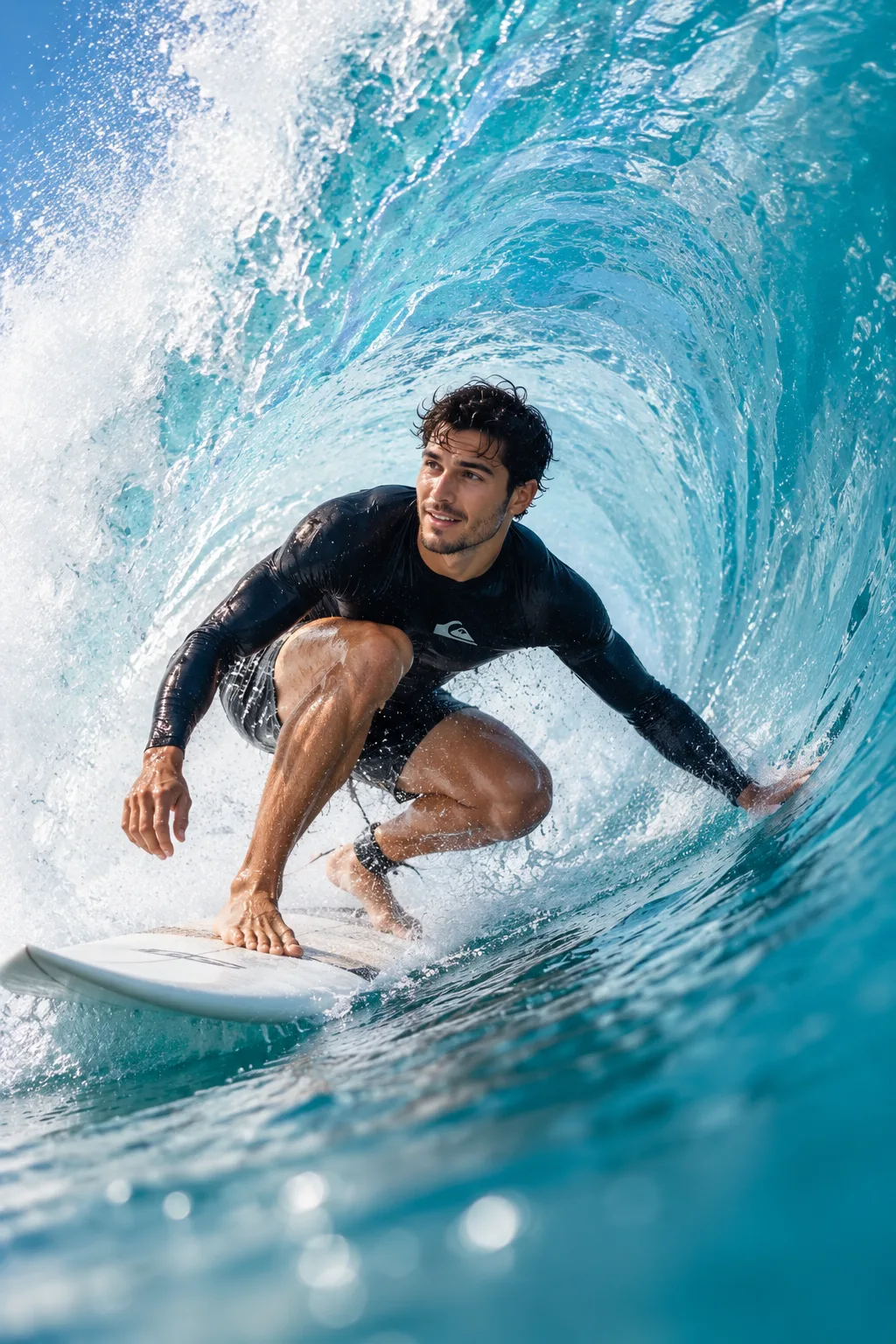
Scene: Create an ultra-realistic, high-resolution action photograph of the same person surfing inside a massive, curling turquoise ocean wave. The wave forms a dramatic barrel or tube around the surfer, with translucent blue-green water arching overhead, white foam, sparkling droplets, and swirling water textures.

Subject and Appearance: The surfer has naturally wet hair and a focused, confident expression appropriate to their age. Their hair moves naturally with the water and wind. Preserve realistic skin texture, natural proportions, and recognizable facial identity.

Outfit: For adults, use a fitted black long-sleeved surf rash guard and matching surf shorts or suitable wetsuit bottoms. For children, use age-appropriate full-coverage swimwear or a properly fitted wetsuit. Adapt the outfit to the person's preferred style without changing their identity. Include realistic wet fabric, natural folds, and water droplets.

Surfing Pose: Position the surfer in a low, balanced crouch on a realistic surfboard inside the wave barrel. Keep the knees bent, feet securely positioned on the board, and torso leaning naturally with the wave's movement. Extend one hand toward the water for balance while the other arm helps stabilize the body. Ensure the pose looks physically plausible and dynamically connected to the surfboard.

Ocean Environment: Surround the surfer with a powerful curling wave featuring translucent turquoise water, deep blue shadows, white spray, foamy textures, and sunlight filtering through the wave wall. The surfboard should have realistic proportions, wet reflections, and visible contact with the water.

Lighting: Bright natural sunlight enters through the translucent wave, illuminating the surfer's face, wet hair, clothing, and water droplets. Create luminous highlights, realistic shadows, sparkling spray, and rich blue-green tones.

Camera and Composition: Use an immersive low-angle perspective from close to water level, as if the photographer is inside the barrel. Capture the surfer and surfboard clearly while the curling wave frames the subject. Use professional action-sports photography, a wide-angle lens look, crisp subject focus, realistic motion, natural colours, high dynamic range, and detailed water textures.

Final Style: Photorealistic, high-resolution professional surfing photography with dramatic scale, powerful movement, natural anatomy, authentic water physics, and cinematic ocean colours. Vertical 4:5 composition.
Click and copy the code block above into ChatGPT, Gemini, or Midjourney.