Use the uploaded photo as the strict identity reference for both people. Preserve both individuals’ facial identities exactly as shown in the uploaded image, including face shape, eyes, eyebrows, nose, lips, jawline, skin tone, natural asymmetry, age appearance, hairstyles, facial hair, and all distinctive features. Do not replace, redesign, beautify, reshape, merge, or reinterpret either face. Keep both people clearly recognizable and visually distinct from each other.
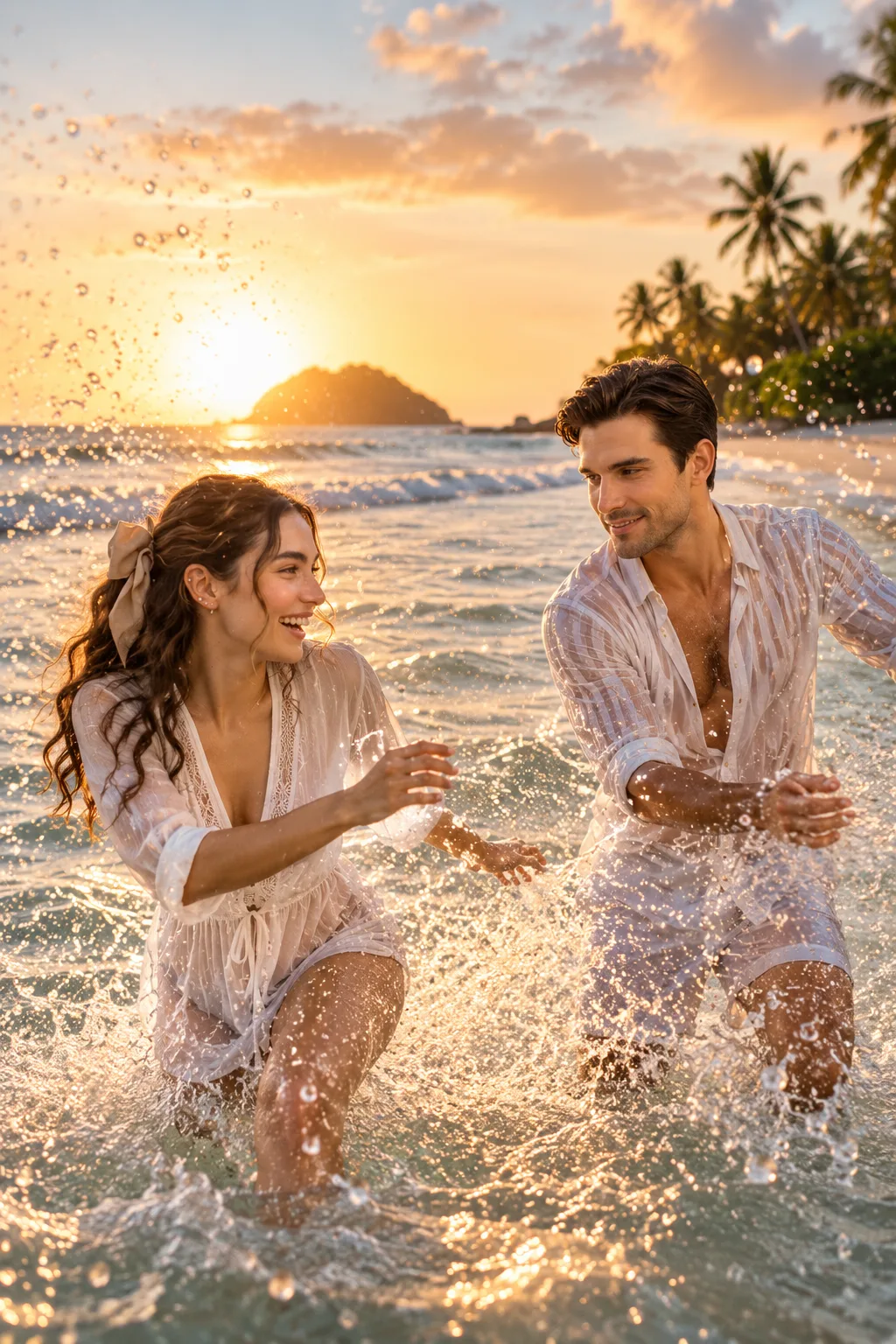
Create an ultra-photorealistic candid tropical beach couple photograph showing the same couple playfully splashing water at each other in shallow ocean waves during golden hour. The scene should feel like a spontaneous travel-vlog moment captured by a professional photographer, full of laughter, movement, energy, and genuine emotion.
The woman is laughing naturally while reaching toward the man and splashing water with her hands. Her long hair is slightly wet and naturally tousled by the sea breeze. She wears a lightweight white beach cover-up with subtle texture, layered over a simple beach outfit. The man is laughing while moving through the water toward her, wearing an open lightweight white linen shirt with rolled sleeves and white or light-colored shorts. Their clothing should appear naturally wet around the lower portions with realistic fabric behavior.
Capture a dynamic moment with water droplets suspended in the air, splashes around their legs, wet skin highlights, and natural movement in their arms and clothing. Both should have genuine open smiles and spontaneous expressions rather than posed faces.
The background features a beautiful tropical beach with palm trees, calm ocean waves, a distant rocky island, and a low golden sun near the horizon. Warm sunlight reflects across the water, creating sparkling highlights and a soft cinematic glow. Add subtle clouds with warm peach and golden tones.
Use a vertical 4:5 composition, dynamic mid-to-three-quarter body framing, with the couple prominently positioned in the foreground and enough ocean and sunset visible behind them. The camera should feel slightly handheld, like a premium travel photograph.
Photography: professional lifestyle and travel photography, 35mm lens, fast shutter speed around 1/1000s to freeze water droplets, f/2.8, natural golden-hour backlighting, realistic lens flare, shallow depth of field, sharp faces, realistic water physics, natural skin texture, visible pores, authentic hair strands, realistic wet clothing, natural body proportions, cinematic warm color grading, vivid but natural colors, subtle film grain, realistic reflections, natural dynamic range, ultra-detailed 8K photorealism.
Click and copy the code block above into ChatGPT, Gemini, or Midjourney.