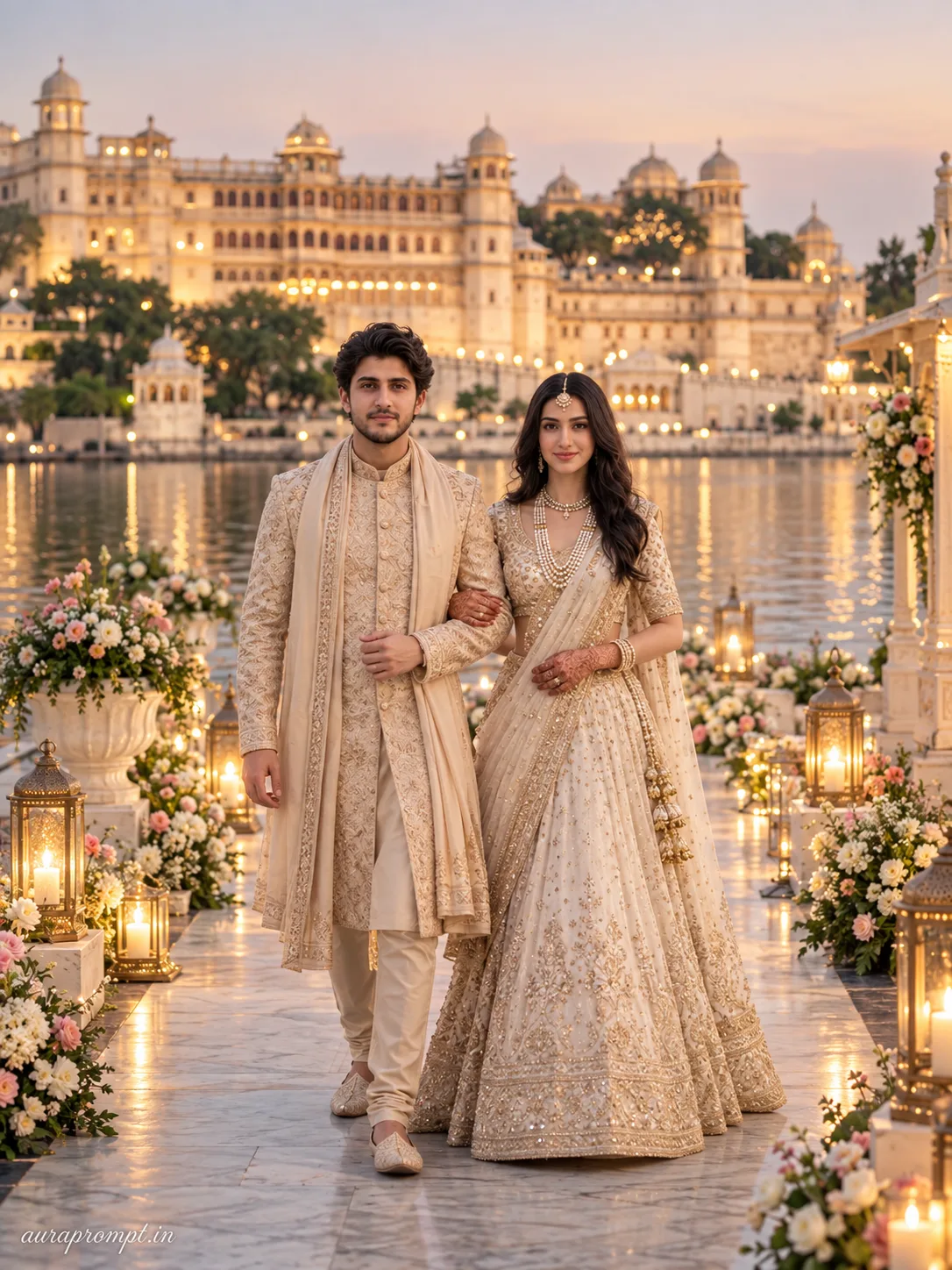
A grand royal lakeside palace stretches across the background as soft evening light begins to settle across the marble pathways lined with floral décor and traditional lanterns when the couple walks slowly into frame. The face stays 100% true to the uploaded photo — his jawline, skin tone, beard style, eye shape and natural expression remain exactly identical, and her features carry the same fidelity from the original reference image unchanged. The groom wears a beige embroidered sherwani with a silk stole while the bride wears an ivory and gold bridal lehenga paired with pearl jewelry styled after modern Pinterest wedding editorial references. Both walk side by side while maintaining direct eye contact with the camera. Captured on a Nikon Z8 with an 85mm portrait lens at f/1.8, shutter speed 1/1250s, ISO 100, with ray traced reflections on the water surface, subtle lens flare artifacts catching lantern glow, bokeh circles in the background, telephoto compression, cinematic HDR grading, skin pores and micro surface detail, realistic fabric weave, authentic candid walking movement, physically based rendering, ultra detailed 8K quality, vertical 3:4 composition. Premium magazine aesthetic from head to toe, platform-safe and elegant, natural skin finish, cinematic light wrapping the entire frame beautifully. Add “auraprompt.in” as a small watermark at the bottom-left corner, Petit Formal Script font, thin elegant cursive strokes, soft white color rgba(FFFFFF), 1px letter-spacing, subtle premium handwritten signature style, slight transparency, minimal and refined, no background on text, blends naturally into the image.
Click and copy the code block above into ChatGPT, Gemini, or Midjourney.